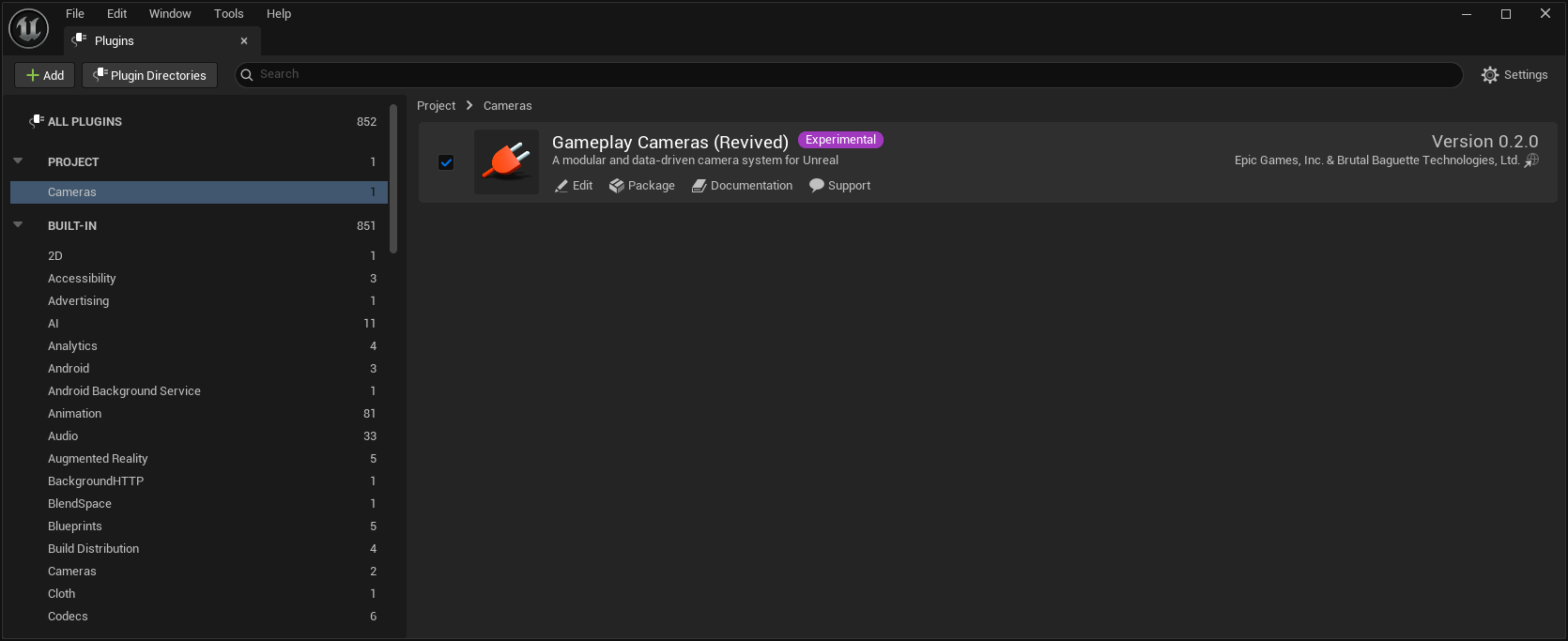
The first bit of documentation I wrote for my Gameplay Cameras (GPC) plugin is, of course, how to install it. I originally dreaded this because I wasn’t sure how Unreal Engine would react to having two plugins with the same name. Turns out: it supports it, so it just works!
If you want to learn a thing or two, read on! Otherwise, just check out the Installation documentation page.
So it turns out that Unreal Engine does support multiple plugins with the same name. I discovered a couple things:
- If one instance of the plugin is from the engine (i.e. it’s in the
Engine/Pluginsdirectory) and the other is from your game project (i.e. it’s in you project’sPluginsdirectory), then the plugin manager favours the project one. - Otherwise, if one instance of the plugin has a more recent version number than the other (from its
.upluginmanifest file), then the plugin manager favours the more recent one. - If one plugin is already enabled, the plugin manager favours that one.
You can check out this code over here in the FPluginManager class, but the good news is that it makes installing the “revived” GPC much easier than I thought.
If you install the “revived” GPC in your project, it automatically takes over. And because the actual C++ modules and classes inside the plugin have the same names as the “vanilla” GPC modules and classes, all existing data and 3rd-party code also just works. Any new stuff that is in the “revived” GPC goes through the usual upgrade or redirector code paths, and so that works fine too.
If you use a shared plugin directory, however, then the “revived” GPC takes over because it has a new version number. I bumped it in a recent commit, and will keep bumping it as I work on the plugin. The “vanilla” GPC plugin didn’t really need a version number since its version number is just the engine version.

Next, I’ll start bringing in the experimental features I’ve been working on. As always, no real ETA on that unless someone wants to sponsor it. Happy coding!